The Tools
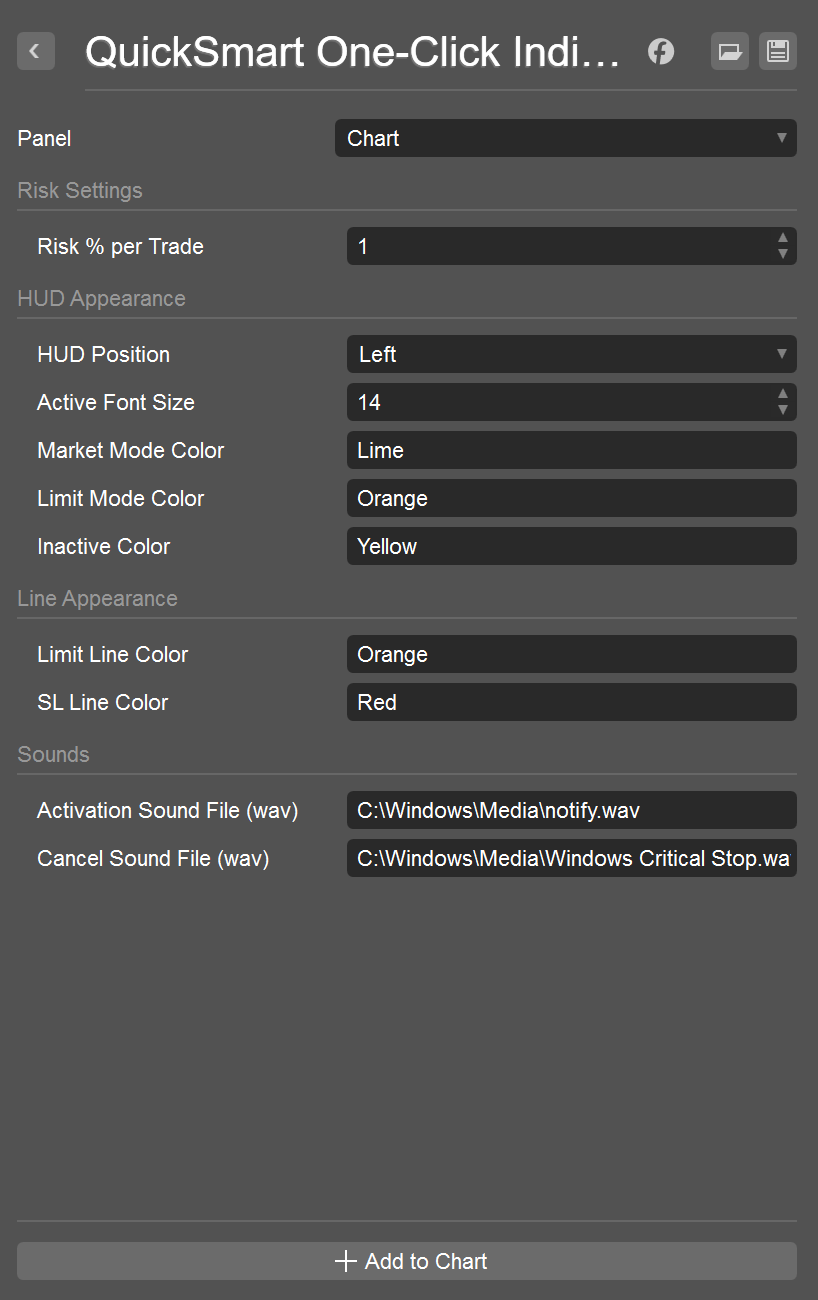
QuickSmart One-Click Indicator
The free tool that gives you everything you need to size your trade correctly in one click.
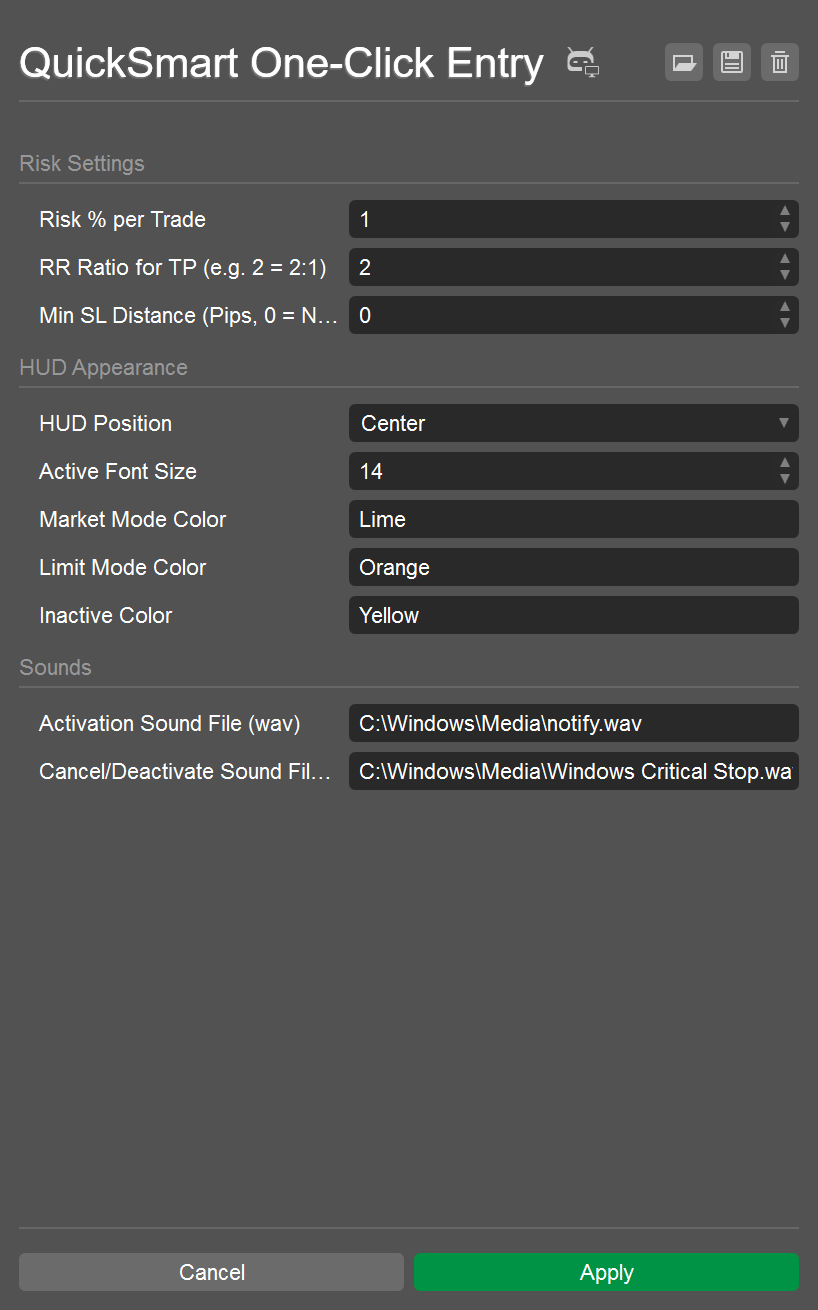
QuickSmart One-Click Entry cBot
The paid tool that takes it one step further and actually places the order for you.

It’s genuinely fun and effortless — just point at your SL (and entry if needed), and everything is perfectly calculated and executed for you.
Press ESC to activate → Click your desired Stop Loss.
Instantly see lot size, risk in $, order type, and SL level.

Press ESC → Click SL → Click your Entry price.
Instantly shows exact order type, Entry, Lot size, SL, and risk.


Press ESC to activate → Click your Stop Loss.
The cBot instantly calculates the exact lot size and places the market order with SL.

Press ESC → Click SL → Click your Entry price.
Automatically detects and places the correct pending order with perfect risk.


Stop guessing lot sizes. QuickSmart makes proper risk-per-trade effortless and genuinely fun.
Point, click, and enjoy trading with perfect precision — it’s a pleasure every single time.